AI reads. Rules score.
That one design decision is why PawCheck's scores are consistent and explainable: the AI never writes the number. Here is the whole pipeline, and where it can go wrong.
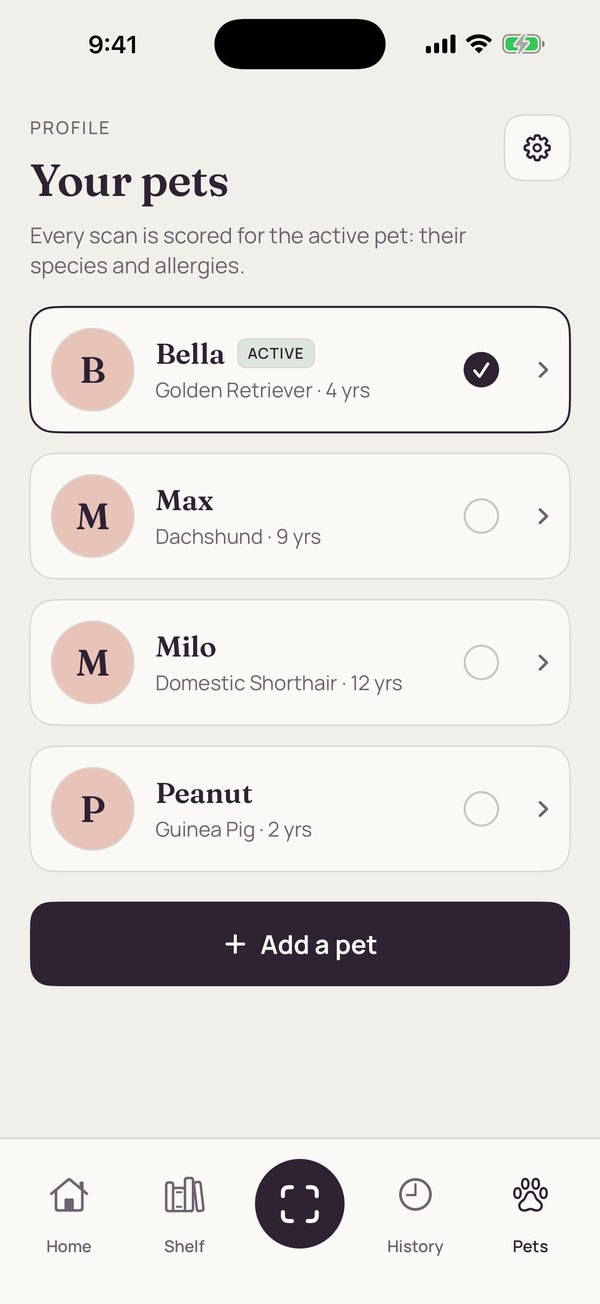
A profile for each pet.
A quick quiz builds each profile: dog, cat or small pet, then breed, age, weight, allergies, health conditions and goals. Species, allergies, your strictness setting and three conditions (kidney, weight and sensitive stomach, when the nutrition panel can be read) shape the score.
Add every pet in the house. Every scan is scored for the active pet, and you can switch between pets on a result.
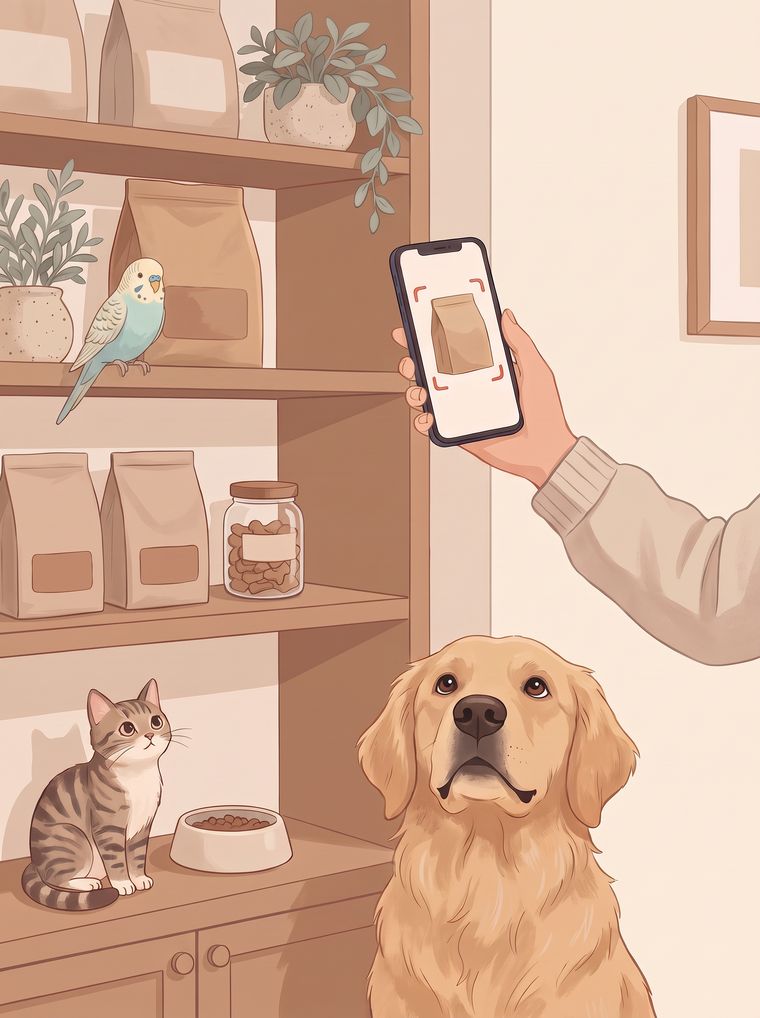
Snap the front, or scan the barcode.
A photo of the front of the pack is resized on your phone and sent securely to our scanning service. Barcodes work too. AI identifies the brand and recipe. The ingredients come from our catalogue or an online lookup for that product, or from a photo of the ingredient panel.
Reading is automated. It can misread small print or match the wrong product. If we can't read the ingredients, we ask for a photo, and each result has a "Not right?" option.
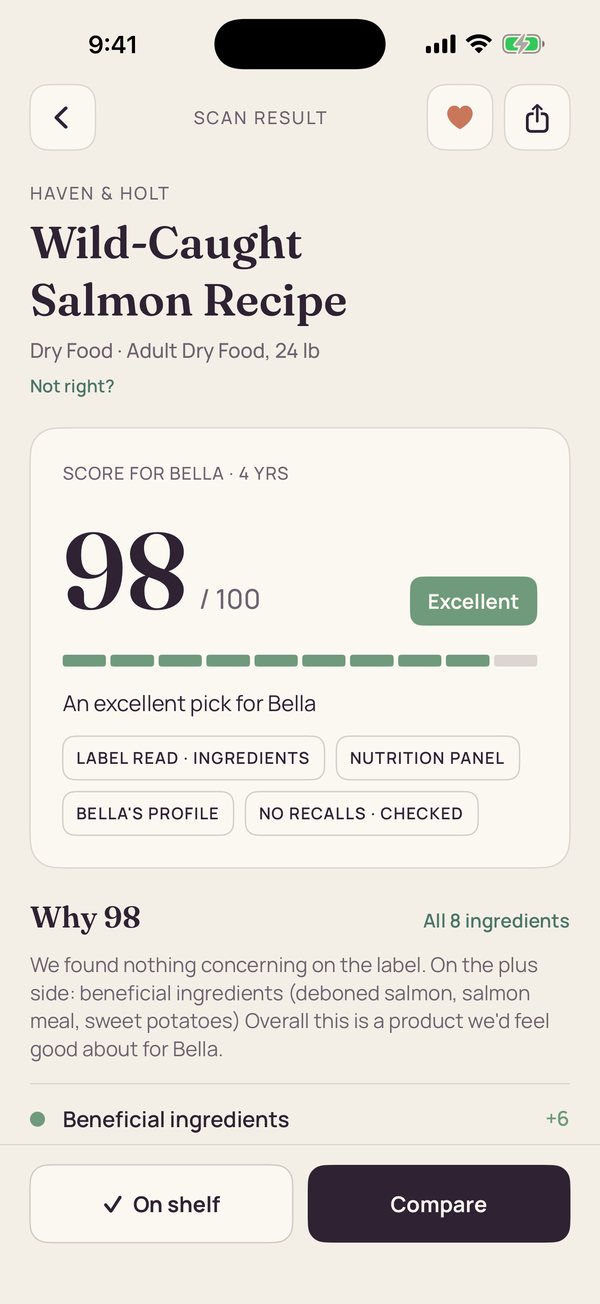
Fixed rules work out the score.
Each ingredient is sorted into a fixed group (beneficial, neutral, questionable, harmful), using our own rules where we have one and the AI's classification otherwise. Fixed, versioned rules then compute a 0–100 score for your pet's profile, with a verdict word and a "Why" list of every factor and the points it moved. An allergen you selected for your pet in the ingredient list makes the score 0 for that pet. No ingredient list read yet? The score is capped.
- 90–100Excellent
- 75–89Great choice
- 60–74Decent, with caveats
- 50–59Use caution
- 35–49Not recommended
- 0–34Avoid
Recalls, other options and your shelf.
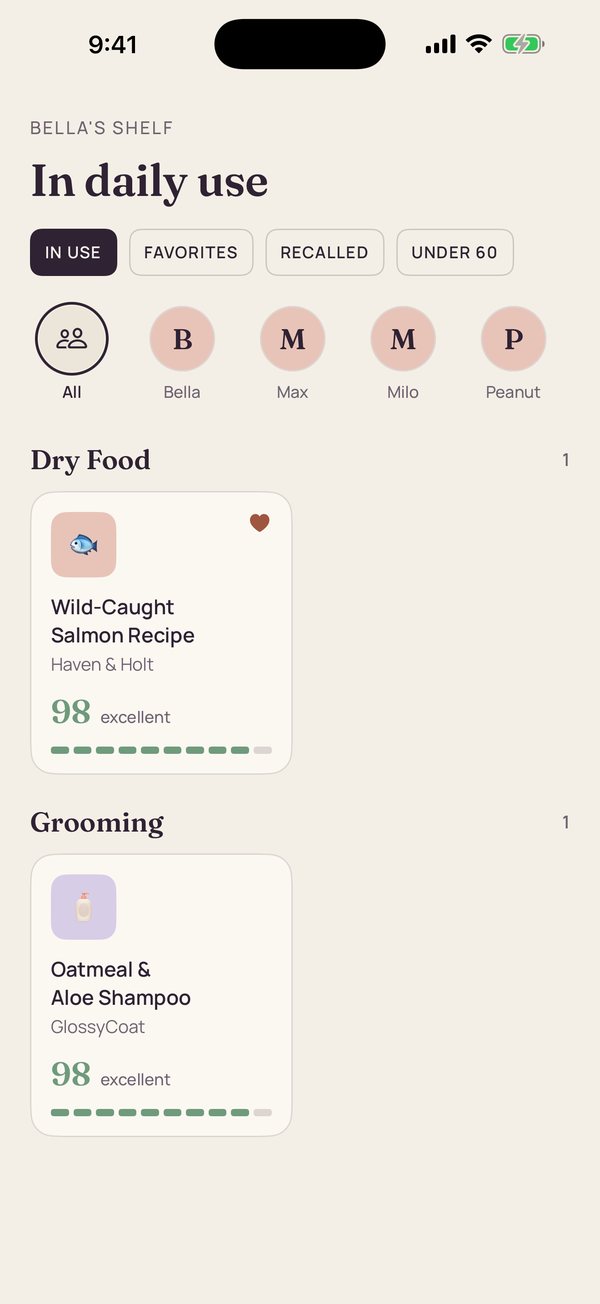
Each scan is checked against the FDA and CPSC recall notices in our database, which doesn't include every recall. If a notice matches, it's shown on the result. PawCheck also suggests similar products that score well for your pet. Save what you use to your shelf, and find any scan again in History.
Our recall data can be delayed or incomplete, and the official notice is always the authority. To check a product yourself, see the FDA's animal recall list or CPSC.gov.
What the AI is allowed to do.
Large AI models are strong readers and unreliable narrators. So PawCheck uses the model to identify and read, never to score.
- AllowedIdentifying the product, reading or finding its ingredients, sorting ingredients into fixed groups
- Not allowedWriting the score
- Recall checksAgainst the FDA and CPSC recall notices in our database, which doesn't include every recall
- When unsureIf we can't read the ingredients, we ask for a photo
The limits, plainly
- A score describes how a product's label fits the profile you entered. It is our assessment, not a verdict on whether a product is right for your pet.
- Allergen flags depend on the label being read correctly and listing everything. They can miss things.
- PawCheck is not veterinary advice. Your vet knows your pet.